In-ear monitors can give performers a clearer, more consistent monitor mix. But for someone making the switch from stage wedges, the first experience can feel surprisingly isolated.
The music is there. Your voice is there. Yet the applause, audience singalong, and sense of the room may seem distant. That connection matters. Whether you are performing at a concert, leading worship, or playing a wedding reception, hearing the people in front of you helps you respond to their energy.
A well-designed IEM mix can bring that connection back. The key is making the audience sound an intentional part of your monitoring setup.
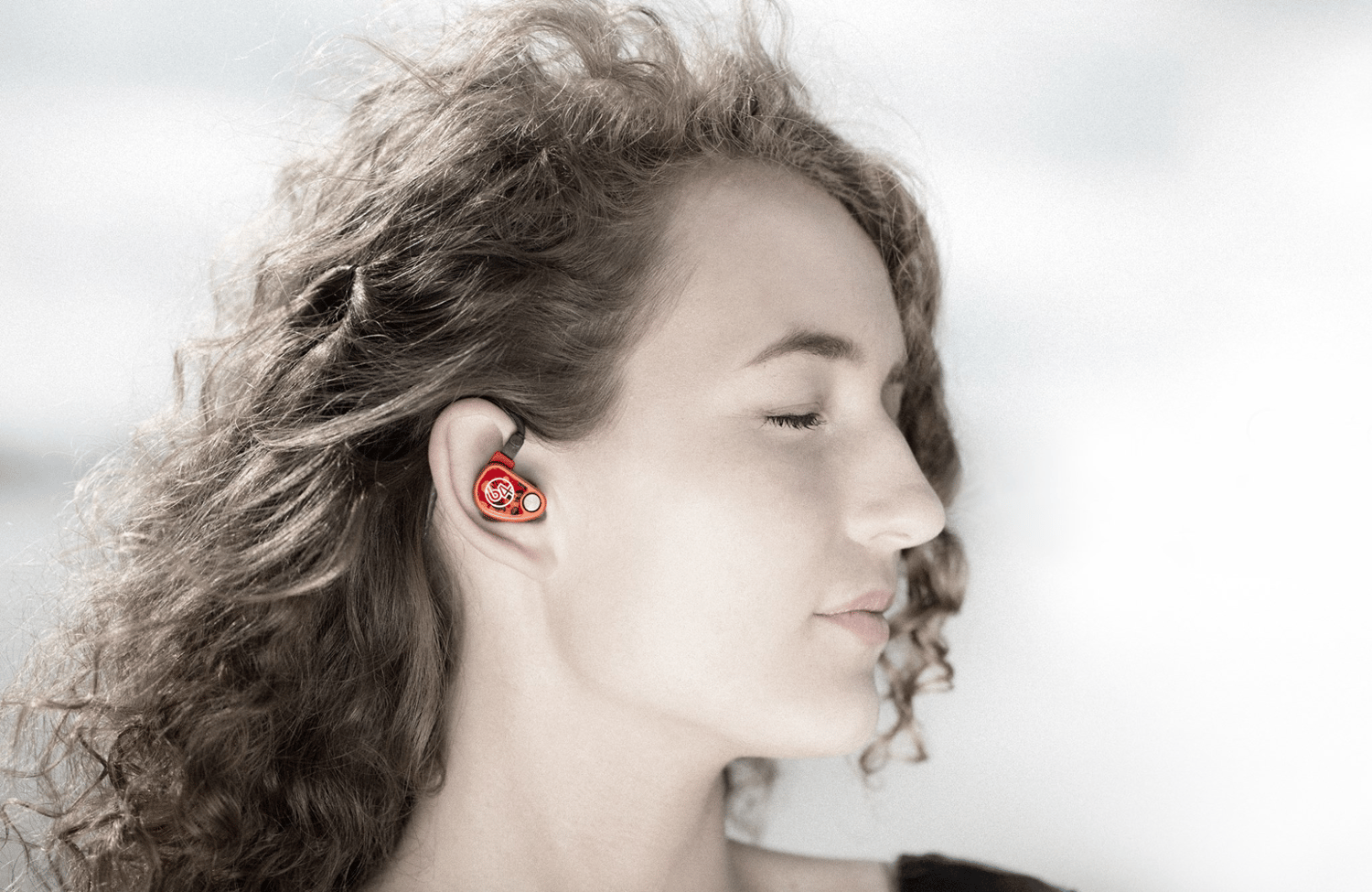
Why IEMs Can Make the Audience Feel Far Away
A properly fitted earpiece creates a seal that reduces outside sound. That helps you hear the monitor mix without competing with as much stage noise, but it also reduces the room sound reaching your ears. If your mix contains only close-miked instruments, vocals, and a click track, it may give you everything you need musically while leaving out the atmosphere of the performance.
The answer is to capture some of that atmosphere and bring it into the mix.
Add Audience Microphones to Your Monitor Mix
Audience microphones, often called ambient or crowd microphones, capture applause, singing, and other sounds from the room. Routing them to the IEM mixes lets performers hear audience reactions alongside their musical mix. For a worship team, that might mean hearing the congregation sing during a chorus. For a band, it might mean hearing the crowd respond between songs.
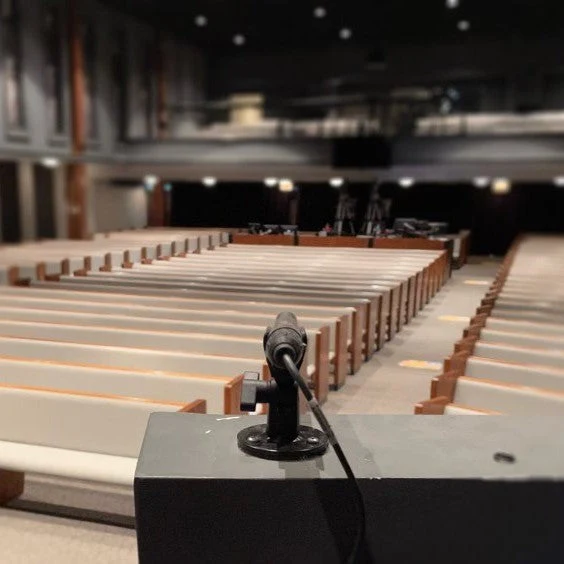
Think of the audience microphones as another ingredient in the monitor mix. They should add a sense of the room without making it harder to hear the performance.
Start With Placement
A useful starting point is to place microphones near the sides of the stage, aimed toward the audience. In a stereo monitoring setup, left and right audience microphones can help preserve a sense of where sounds are coming from.
Listen to what the microphones actually capture before adding them to everyone’s mix. A position that picks up mostly drums, a nearby loudspeaker, or one loud conversation may need adjustment.
Keep microphones and stands clear of walkways, and secure the cables. Start with the coverage you need, then refine the position during soundcheck.
Keep the Audience in Balance
Begin with the audience microphones low in the mix and bring them up gradually. Too little may leave the performer feeling disconnected. Too much can introduce room reflections and PA spill that make the musical mix less distinct.
Try these practical adjustments:
- Listen during a full-band soundcheck. Ambient channels may sound very different once the stage and PA are active.
- Adjust each performer’s mix individually. A lead vocalist may want more audience sound than a musician concentrating on a click track.
- Use EQ where needed. Reduce unwanted rumble or other distracting frequencies without stripping away the audience sound you want.
- Adjust between songs. More ambience may be useful during applause or conversation; less may work better during a dense musical passage.
An empty room will not tell the whole story. Check the balance again once the audience arrives.
Keep Both Earpieces In
Removing one earpiece can seem like a quick way to hear the room. However, it exposes that ear to stage sound and can encourage the performer to raise the level in the remaining earpiece to compensate. If a performer regularly wants to take an earpiece out, use that as feedback. Ask what they are missing: audience reactions, communication with bandmates, or a more natural balance of their own voice.
That answer gives the audio team something specific to improve.
Make Audience Connection Part of Soundcheck
Soundcheck should cover more than whether each performer can hear their instrument. Ask: “Can you hear the room?” and “Does the mix feel connected to the performance?”
Test the ambient channels, agree on how performers will request changes, and revisit the balance during the first few songs.
IEMs can provide clarity while still letting performers experience the audience. With thoughtfully placed microphones and a balanced mix, applause, singing, and crowd energy can become part of what performers hear—and part of how they perform.